
Letters, starting with their own name
It all starts with the letters of their name. They trace them with a finger, in the right order, then find them again in bubbles and words.
Islands to explore, animal friends and little adventures that really teach. Free forever: no ads, no subscriptions, no purchases, no accounts.
Coming soon to iPhone, iPad and Android
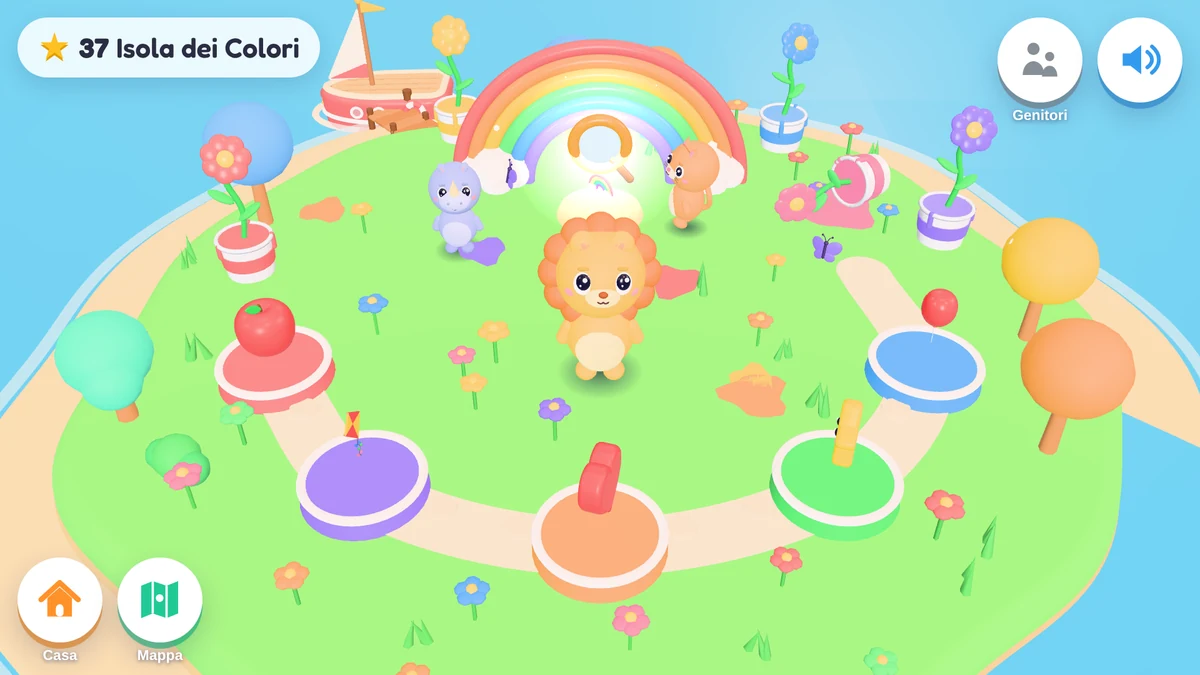
A gentle, honest alternative to screen games: it really teaches, speaks both your languages and knows when to stop.
Mondolino was born at home: Davide, a dad and developer, made it for his son. Now it's open to every family, for free.
Every adventure is a path of five stops. An adaptive engine follows each letter and each number, and picks the right activities for that child: not too easy, not too hard.
It all starts with the letters of their name. They trace them with a finger, in the right order, then find them again in bubbles and words.
In Italian, reading goes by syllables: ma-re, raz-zo. In English, it starts with letter sounds: s, a, t, p, i, n…
Counting one by one, matching quantities and numbers, recognising colours and shapes: by feeding a hungry friend, popping bubbles and painting 3D toys.
Understanding feelings and how to help a friend. Getting to know their body, washing hands and brushing teeth, cooking together, playing fair: the little things of every day.
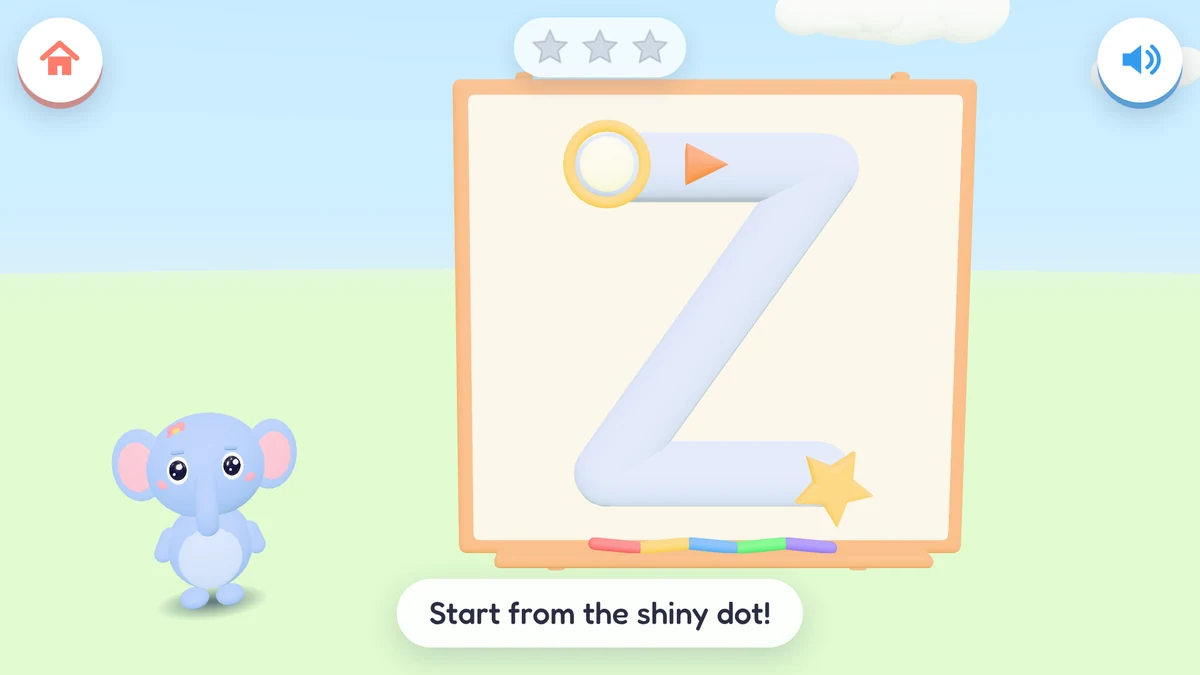
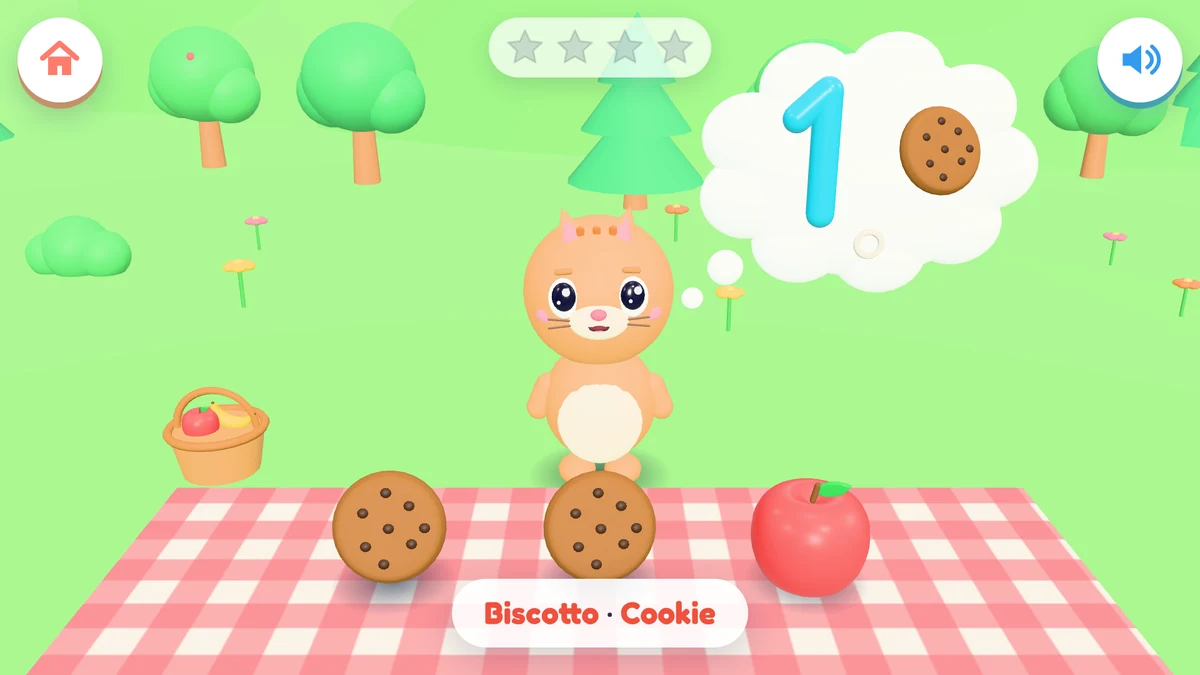
Age shapes everything: how many choices, how far to count, which colours, shapes and emotions.
Children pick their animal friend and set off: they travel from island to island, come home, look after their friend and keep their best memories.
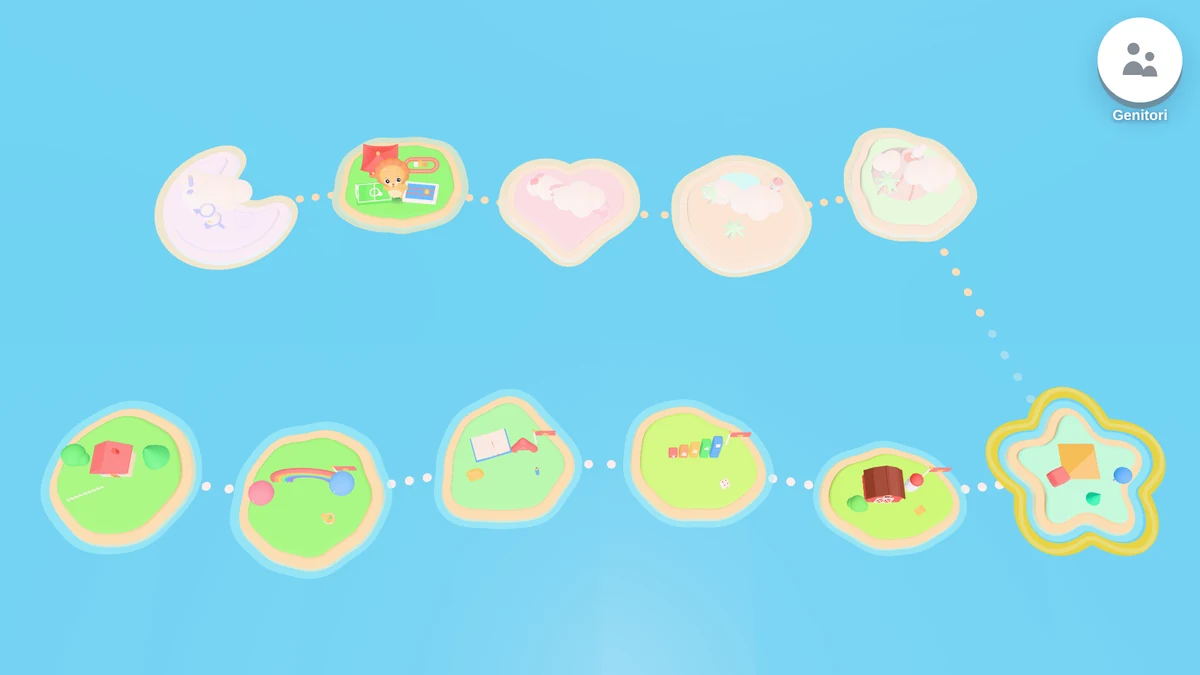
An archipelago of themed islands: colours, letters, numbers, the farm, dinosaurs, the sea, space and more. You get there by boat, seaplane, hot-air balloon or rocket.
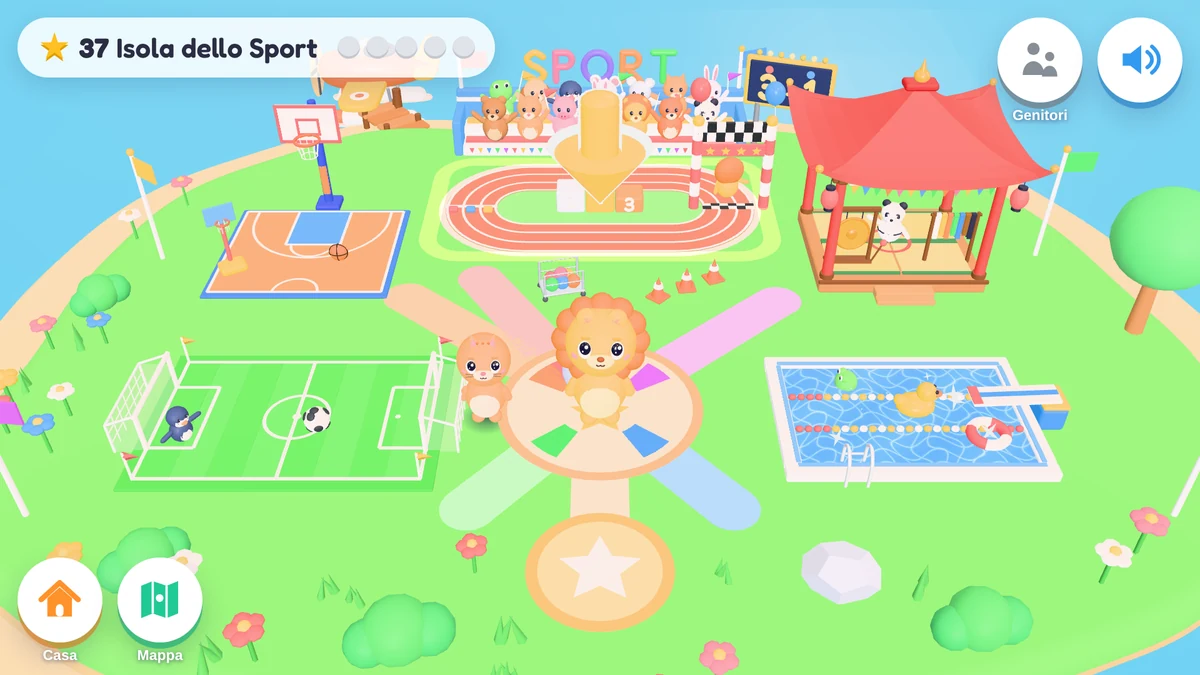
Running, football, basketball, swimming and karate. Count, learn left and right, win a medal and shake hands with the other side.
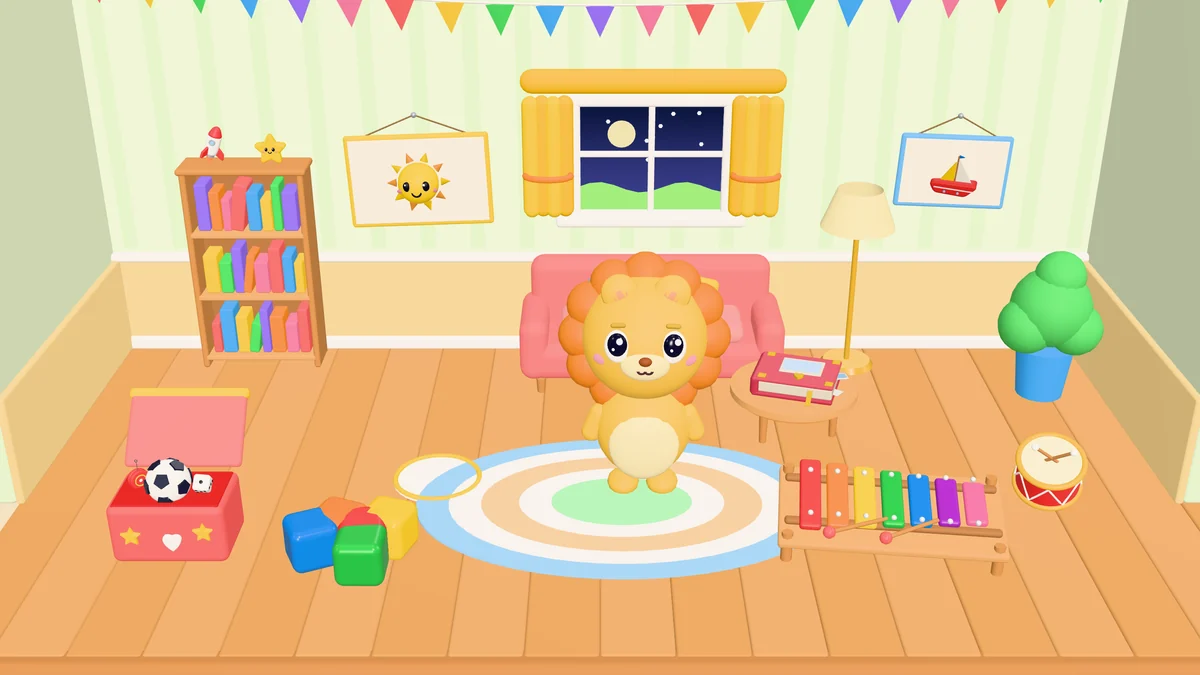
Playing makes you hungry and sleepy: the friend asks for food, a bath or a nap. Children look after it without guilt, and play is never blocked.
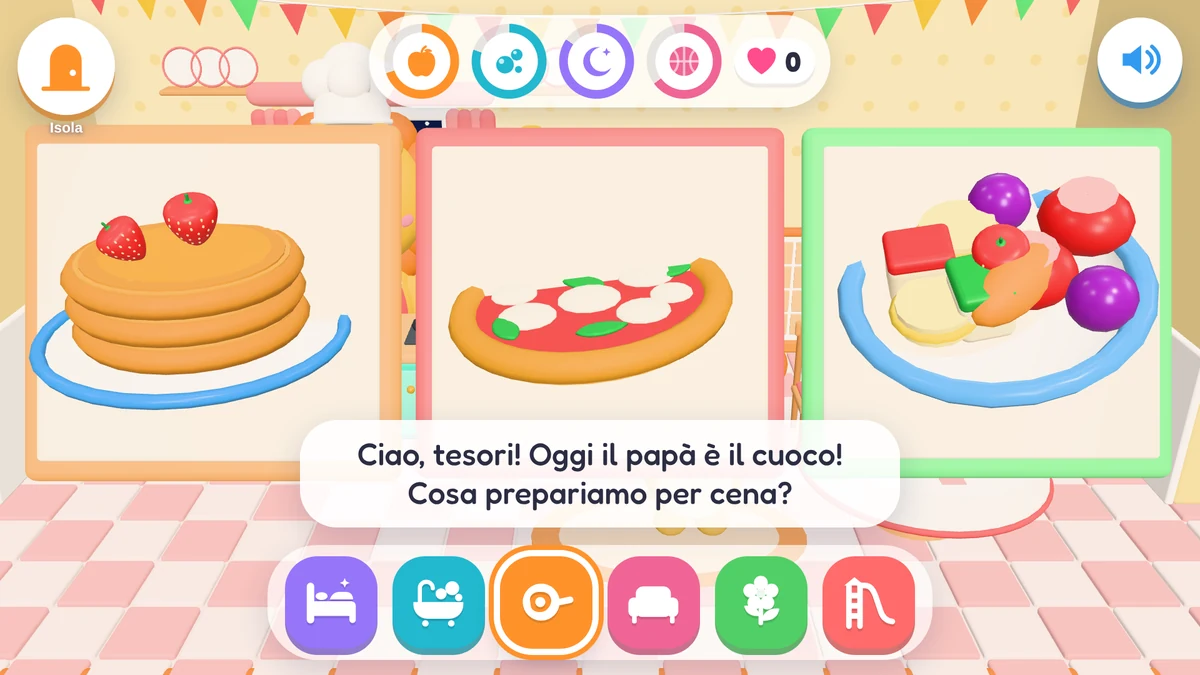
Mum or Dad shows three recipes with pictures and the child chooses: pancakes, pizza, fruit salad, biscuits, a smoothie or a sandwich. Hands get washed first, and grown-ups handle the oven.
Interactive fairy tales to listen to and play, animated stories to explore and, at the end of the day, bedtime stories.
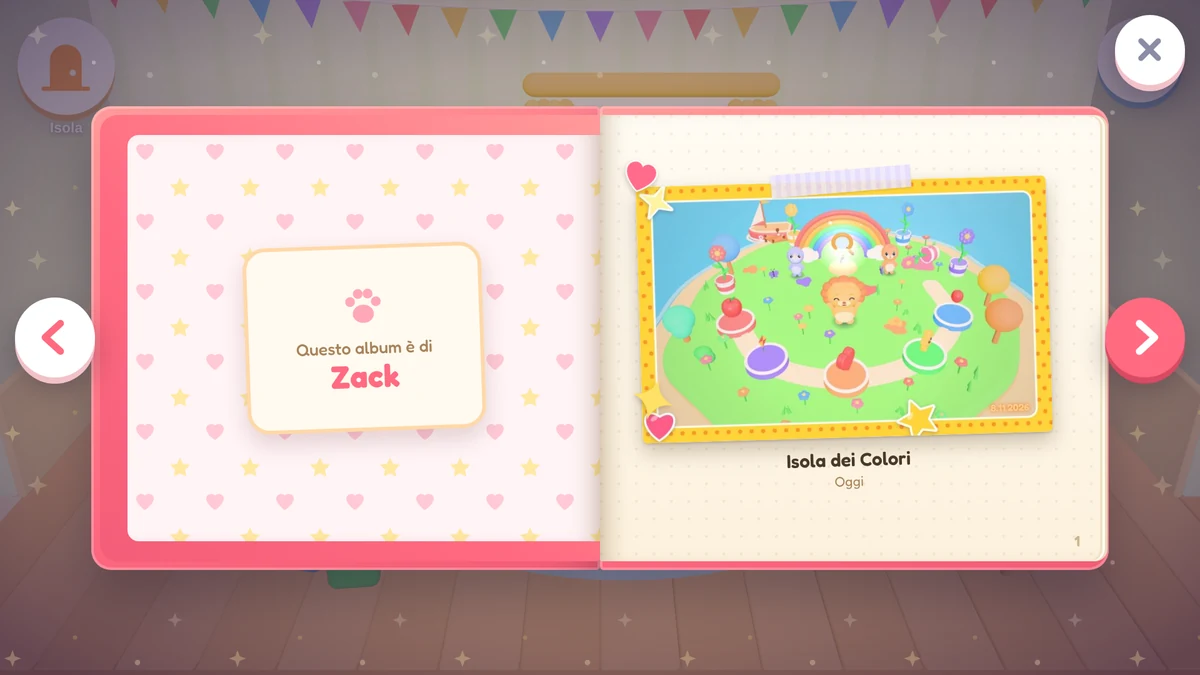
The game takes its own photos of special moments: a new island, a trophy, the first pizza. They go into a paper album that turns its pages in 3D. They only show the game: the camera is never used.
A grown-ups-only area with everything you need to guide your child, without hovering.
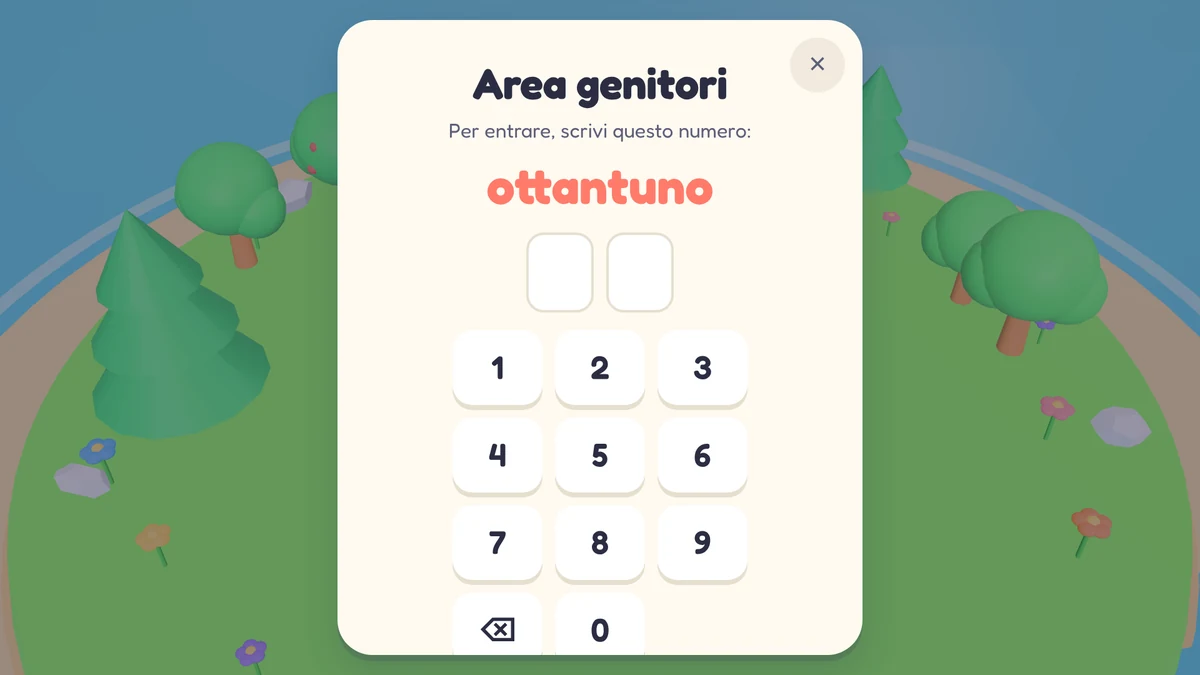
To get in, you type in digits a number written out in words, like “eighty-one”. Easy for an adult, not for a four-year-old. Settings, photos and any external link live behind it.
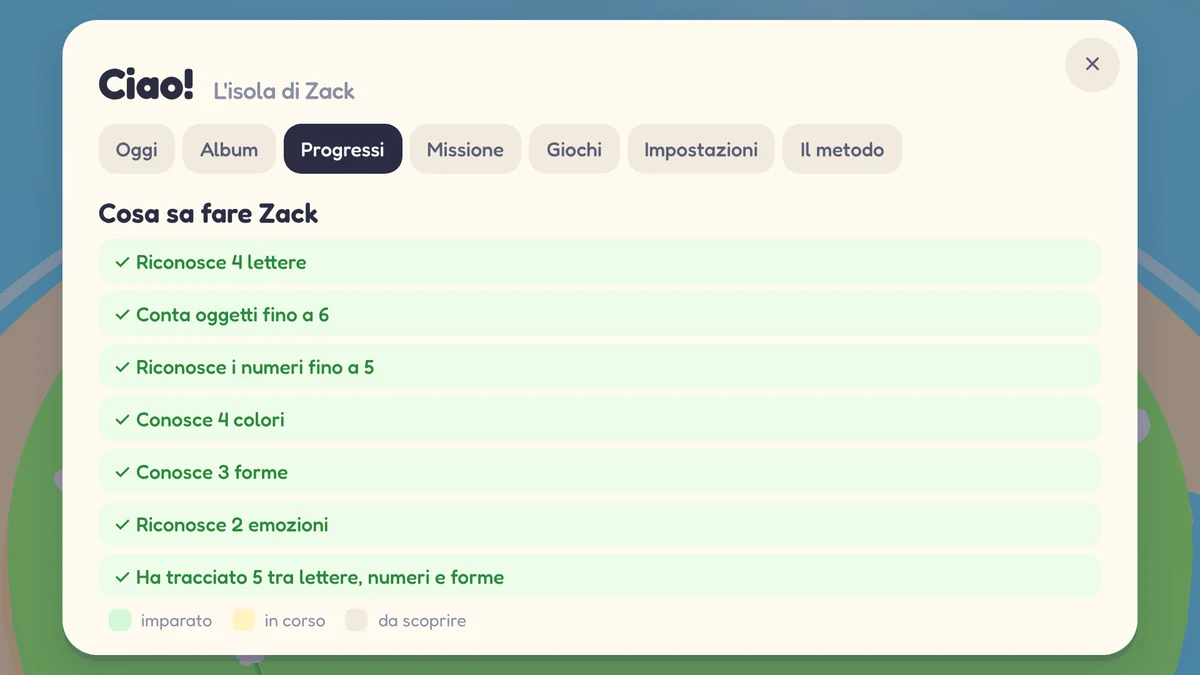
How many letters they recognise, how far they can count, which colours, shapes and emotions they know. No grades, no leaderboards.
Every day, a mission to do together, away from the screen: “Find three red things at home!”
Italian only, English only or both, in the mix you prefer. British or American English.
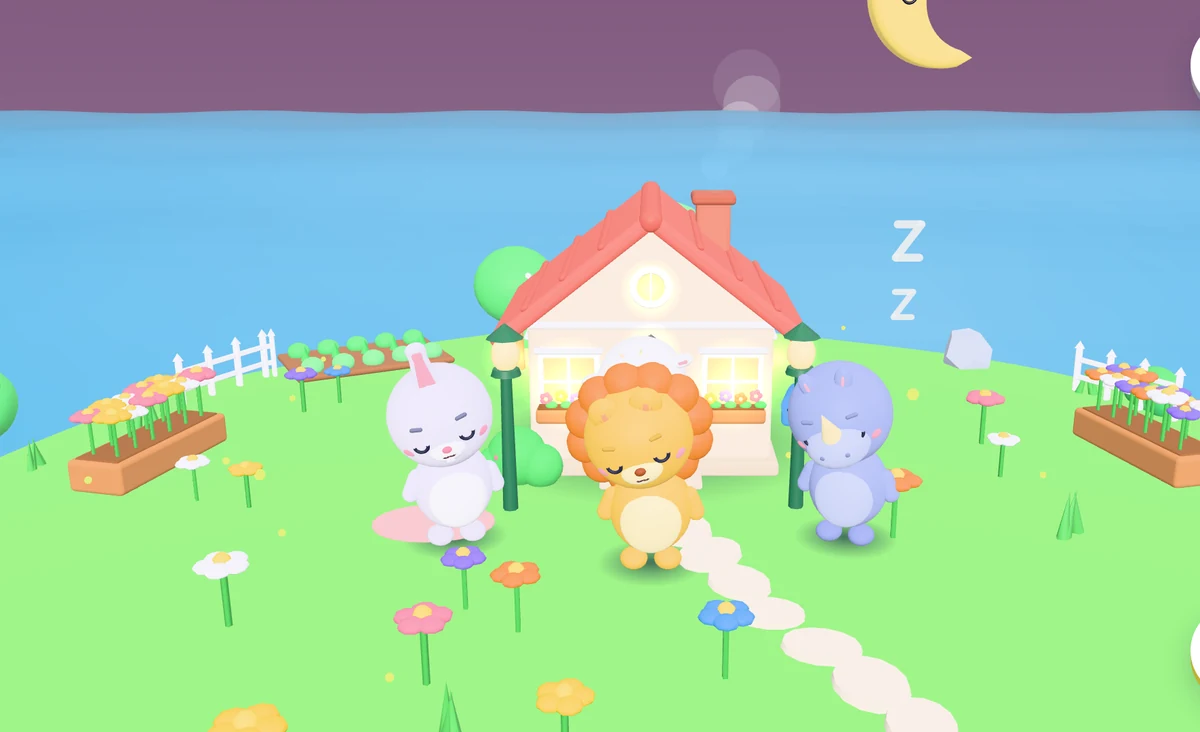
You set the play time in the parents' area. When it's over, Mondolino doesn't just switch off: the island gets ready for bed with a little goodnight ritual.
Every adventure has a beginning and an end. No notifications, no tricks to keep them glued to the screen.
To keep Italian alive far from Italy, alongside the English your child already hears at school and in the park.
One parent speaks Italian and the other English? The same friends speak both languages, and you choose how much room each one gets.
A first meeting with English, natural and unhurried: words, letter sounds and numbers, always next to Italian.
Mondolino has no server collecting data. It doesn't need one.
Nothing. Mondolino is free, forever: no ads, no subscriptions and no in-app purchases, not even in the parents' area.
Children aged 3 to 6, ideally with a grown-up nearby. The game adapts to age: how many choices, how far to count, which colours, shapes and emotions.
No. Open it and play. The child's name is optional and stays on the device.
Yes. Instructions are spoken and shown with pictures. The written words help grown-ups and are a first contact with letters.
Yes. The game doesn't need the internet, and the browser version also works offline after the first visit. Voices come from your device: they usually work offline, but some text-to-speech engines use online voices.
Mondolino uses your device's text-to-speech, from Apple, Google or your phone's maker. In the parents' area you can pick the Italian and English voices that sound best. Your child's voice is never recorded: the microphone is never used.
You decide, in the parents' area. When time is up, Mondolino ends the day with a goodnight.
Soon. Meanwhile you can play for free in the browser, on tablets and phones too. From the browser you can add it to your Home Screen and open it full screen, like an app.
Parents' area › Settings › Data › “Reset everything”. All the ways to do it are on the Support page.
Davide Volpato, a dad and developer who made Mondolino for his son. To get in touch: Support.
All you need is a browser, and a grown-up nearby. Nothing to install, nothing to sign up for.
Play in the browserComing soon to iPhone, iPad and Android